Common Flows Actions
Frequent actions performed from the Flows workspace include the following:
- creating node elements
- adding nodes to the workspace
- accessing debug mode
- viewing the inspector
Creating Node Elements
To use Flows the node elements (devices, labels, integrations, and functions) must already have been created.
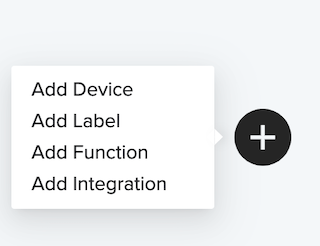
To create any node element from the Flows workspace, click the + circle and choose the desired node element.
Adding Nodes to the Workspace
Important the core node elements must have been previously created before you can add them to the workspace (for info on creating node elements go here).
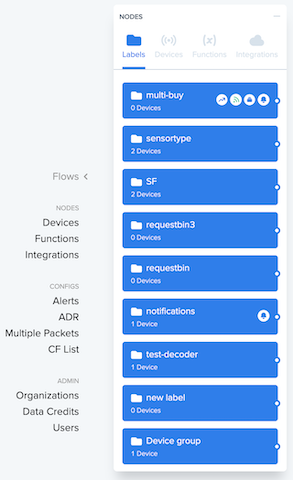
To add nodes to the workspace, go to the Nodes list, click +.

The Nodes panel appears:
Accessing Debug mode
Debug mode shows packet transfer in real time.
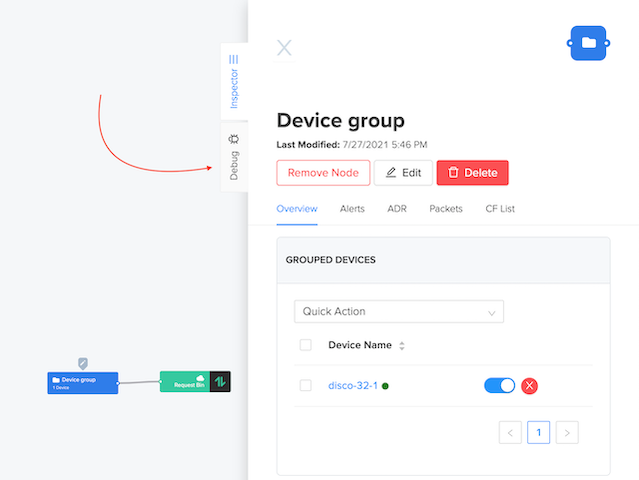
To access Debug mode from the Flows workspace, select a device or label and click the Debug mode tab.
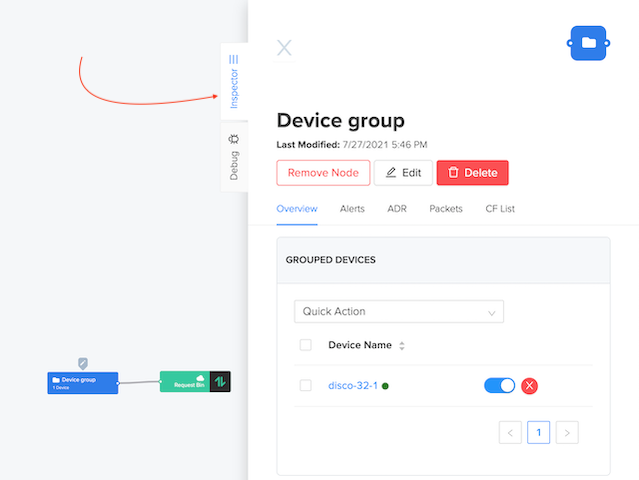
Viewing the Inspector
The Inspector allows users to see node details, remove nodes/edges, as well as make limited changes.
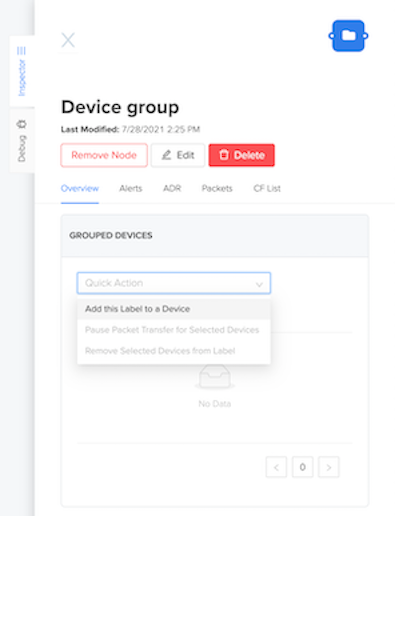
Add Labels to Devices
To add a label to a device from the Flows workspace, select the desired label, then on the Inspector choose from the Quick Action menu.